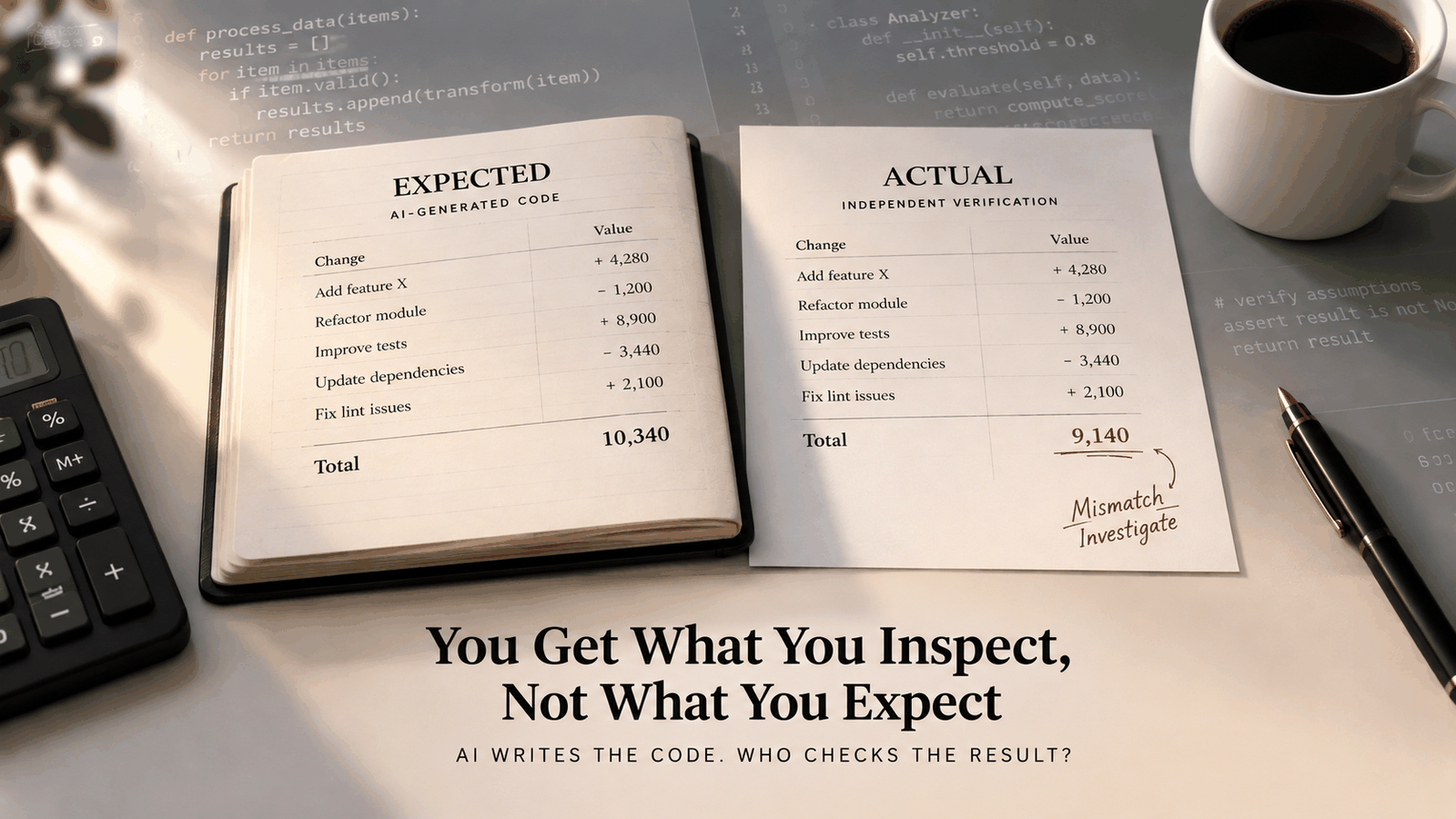
Manage Finance Like a Codebase
As developers, we trust Git with our code, our configs, even our notes, but never our money. Here's what happened when I found a tool that treats your finances exactly like a codebase: plain text, versioned, and diffable

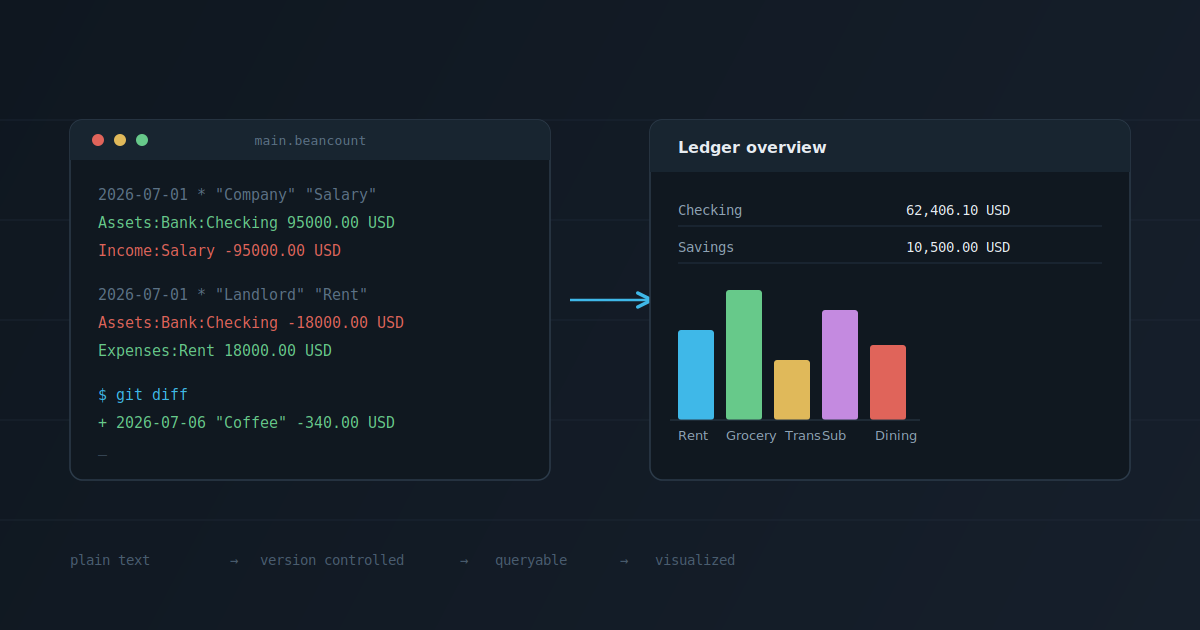
As developers, we trust Git with basically everything that matters. Our code, our configs, sometimes even our notes. If something breaks, we check the history. If we're not sure why a change was made, we run a diff. We've built this whole discipline around tracking, versioning, and being able to explain how something got to where it is.
I never really thought about applying that same discipline to money, until recently.
I came across a tool on GitHub called Beancount. At first glance it looked like just another accounting tool, one of those things I'd usually scroll past. But the more I read into it, the more interesting it got, because it treats money exactly like a codebase: plain text, versioned, diffable.
So I decided to try it.
A Ledger That's Just a Text File
Beancount is an open source tool for double-entry accounting, but the plain text part is what makes it different. Instead of clicking through a banking dashboard or an app, you write your transactions into a simple text file. Beancount reads that file, checks the math, and gives you reports out of it.
It was started by Martin Blais back in 2007, and he's still actively maintaining it today.
There's no fancy interface baked in. You write your entries in a text editor, run a command to check if everything adds up, and if you want to see charts or dashboards, there's a separate tool called Fava that reads the same file and renders it in a browser. The text file stays the source of truth. Everything else is just a view on top of it.
Learning to Read Beancount's Double-Entry Format
The core idea behind Beancount is something called double-entry accounting. It sounds intimidating, but it's actually a simple rule: every transaction has two sides, and they have to balance out to zero. Money doesn't just disappear into a category, it always moves from somewhere to somewhere.
Here's what an entry actually looks like:
2026-07-04 * "Blue Bottle" "Coffee"
  Assets:Bank:Checking      -4.50 USD
  Expenses:Food:Coffee       4.50 USD
Read it like a sentence. On July 4th, 4.50 dollars left my checking account and became a coffee expense. One side goes down, the other side goes up, and they cancel out.
A paycheck looks the same way, just flipped:
2026-07-01 * "Employer Inc" "Monthly salary"
  Assets:Bank:Checking     3000.00 USD
  Income:Salary           -3000.00 USD
You define your own accounts, things like Assets:Bank:Checking, Expenses:Rent, Income:Salary, and every transaction just moves money between two of them. Before you can use an account, you "open" it once at the top of the file:
2026-01-01 open Assets:Bank:Checking USD
2026-01-01 open Expenses:Rent
No special syntax to memorize beyond this pattern: dates, accounts, amounts. Once you get used to reading it, a Beancount file starts to feel less like accounting and more like a structured log of everything that happened to your money.
Setting It Up with uv
I wanted to keep this isolated, so I used uv to set everything up in its own environment.
uv init .
This gave me a pyproject.toml, which is a nice side effect. My finance setup itself is now a small versioned project, not just a random script sitting somewhere.
Then I added the packages:
uv add beancount fava beanquery
beancount gives you the core engine and command-line tools, fava is the web dashboard, and beanquery lets you run SQL-like queries against your ledger later.
Demo: A Month of Real Transactions
I started small, just opening a few accounts and setting an opening balance.
2026-01-01 open Assets:Bank:Checking USD
2026-01-01 open Expenses:Rent
2026-01-01 open Income:Salary
2026-01-01 * "Opening balance"
  Assets:Bank:Checking      4250.00 USD
  Equity:Opening-Balances  -4250.00 USD
Then I added a month's worth of real-looking transactions: salary coming in, rent going out, groceries, subscriptions, the usual.
2026-07-01 * "Company" "Monthly salary"
  Assets:Bank:Checking      95000.00 USD
  Income:Salary            -95000.00 USD
2026-07-01 * "Landlord" "Rent"
  Assets:Bank:Checking     -18000.00 USD
  Expenses:Rent             18000.00 USD
Once the file had a few weeks of entries, I ran a check to make sure everything balanced:
bean-check main.beancount
No output. Which, in this case, is exactly what you want. It means every transaction I wrote actually adds up.
Then I asked it a real question, how much I'd spent by category:
bean-query main.beancount "SELECT account, sum(position) WHERE account ~ 'Expenses' GROUP BY account"
lince@pop-os:~/experiments/beancount (master #)$ uv run bean-query main.beancount "SELECT account, sum(position) WHERE account ~ 'Expenses' GROUP BY account"
       account          sum(position)
----------------------  -------------
Expenses:Rent            18000.00 USD
Expenses:Utilities        1450.00 USD
Expenses:Groceries        2340.00 USD
Expenses:Subscriptions     649.00 USD
Expenses:Transport         220.00 USD
Expenses:Dining            340.00 USD
Expenses:Healthcare        560.00 USD
lince@pop-os:~/experiments/beancount (master #)$
No dashboard, no app, just a query against a text file.
But the moment that actually sold me on this was simpler than either of those. I committed the file to Git, added one more transaction (a coffee I forgot to log), and ran:
git diff
+2026-07-06 * "Third Wave Coffee" "Coffee with team"
+  Assets:Bank:Checking   -340.00 USD
+  Expenses:Dining          340.00 USD
My financial history, showing up in a diff, exactly the same way a code change would.
Seeing It Visually with Fava
The text file is where everything lives, but staring at raw text isn't the best way to understand your spending. That's where Fava comes in. It reads the same Beancount file and turns it into a dashboard in your browser.
uv run fava main.beancount
This opens a local server, usually at http://localhost:5000, with your entire financial picture rendered out.
The first thing you see is an overview of your accounts and balances.

There's also a balance sheet view, a snapshot of everything you own and owe at any point in time.

What I found most useful was the journal view, a searchable, filterable list of every transaction.

None of this data lives inside Fava itself. Close it, delete it, reinstall it, doesn't matter. The text file is still the source of truth; Fava is just a window into it.
Why This Idea Matters Beyond Personal Finance
Plain text and version control aren't just convenient, they're honest. Every change has a timestamp, an author, and a reason, whether that's a commit message or just the diff itself. Nothing gets silently edited, and nothing depends on a company staying in business or an app changing its data format five years from now.
That matters more when the data in question is money. Financial records benefit from the same properties good engineers already demand from code: auditability, traceability, and the ability to reconstruct how something came to be.
Beancount isn't trying to be enterprise accounting software, and it doesn't need to be. The philosophy underneath it, that you should be able to own, inspect, and version your own financial data instead of trusting it to someone else's interface, holds up regardless of scale.
Closing Thoughts
Beancount has been around since 2007, maintained by one person, Martin Blais, for almost two decades. No company behind it, no funding round. Just someone who built a tool the way he wanted it to work, and kept improving it because people found it useful.
Thanks to Martin Blais (@misislavski) for building and maintaining Beancount all these years.